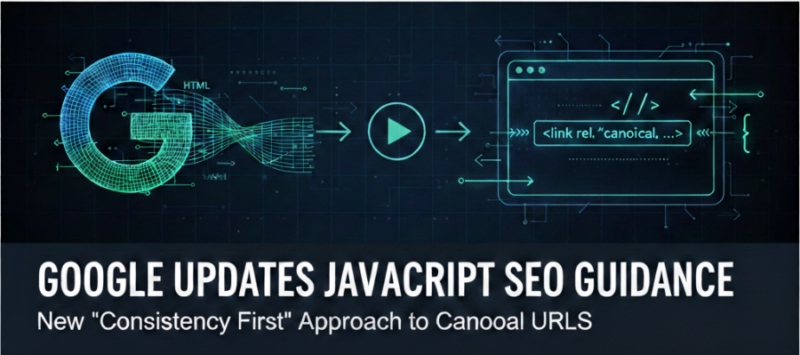
Google has updated its technical documentation regarding how search engines handle canonical URLs on JavaScript-heavy websites. The update highlights a critical nuance, because Google processes pages in two distinct stages—crawling the raw HTML and rendering the final page—mismatched signals between these two steps can lead to indexing headaches.
For developers and SEOs working with modern frameworks like React, Vue, or Angular, this update clarifies exactly how to avoid “canonical confusion.”
Check out the updated Google Search Central guide on handling canonicals for JavaScript sites.
The Two-Stage Processing Trap
Most people think of Googlebot as a single-step visitor, but for JavaScript sites, it works in stages:
- Stage One (The Raw Crawl): Googlebot looks at the initial HTML sent by your server.
- Stage Two (The Render): Googlebot executes your JavaScript to see the final content.
The problem arises when these two stages tell different stories. If your server-side HTML points to one URL as the “master” copy, but your JavaScript changes it to another after the page loads, Google receives conflicting signals. This can result in the wrong page being indexed or Google ignoring your canonical preference entirely.
Google’s New Best Practices
To solve this, Google has offered two paths forward, depending on how your site is built:
1. The “Consistent Signal” Strategy (Preferred)
The gold standard is to have your server include the correct canonical tag in the initial HTML that matches exactly what the JavaScript will produce later. This ensures that no matter which stage Googlebot is in, the message remains the same.
2. The “Wait for Render” Strategy
If your site architecture makes it impossible to know the correct canonical URL until the JavaScript runs, Google now recommends leaving the canonical tag out of the initial HTML entirely. Why? It is better to provide no signal in the first stage than to provide a wrong one. By leaving it out, you force Google to wait until the rendering stage to find the “truth” injected by your scripts.
Key Rule: Whether you choose to include it early or inject it late, you must ensure that only one canonical tag exists once the page is fully rendered. Multiple tags are a fast track to unpredictable indexing.
Why This Matters for Modern Web Apps
In the era of Single Page Applications (SPAs), it’s easy for “ghost” tags to linger in the header. If your framework’s router updates the URL but fails to cleanly swap out the canonical tag, you might end up with two tags—one from the previous page and one for the current one.
This documentation update serves as a reminder that Google isn’t just reading your code; it’s watching how your code evolves as it runs.
How to Audit Your Site
If you suspect your JavaScript site is suffering from canonical issues, you can verify this using the URL Inspection Tool in Google Search Console:
- Compare the “Referred HTML” (what the crawler saw first) with the “Rendered HTML” (what it saw after running JS).
- If the canonical tag changes between these two views, you likely need to align them using the “Consistent Signal” or “Wait for Render” approach.